 iOS · App Store
Translation on your TV
Keep your eyes on your console game. Control subtitle size, colour and placement from your phone.
Test HDMI compatibility first, free
Same games. Deeper stories.
Don’t let a missing language stop the game. Camera-free translation is here.
Watch the film · 15 sec Xbox
Xbox PlayStation
 Android TV
Console gaming. Translation on your TV. Other screen sources work too.
Play your PS5 or Xbox on your phone with Remote Play. TranslaCat reads the subtitles straight from the game stream and translates them. No need to point your phone at the TV.
 Live on Android · PS5 on iPhone
AI translations also appear on the TV with TV app 0.6.8. Download the TV app
Requires your own PS5 or Xbox, its console account and the same Wi‑Fi network; iPhone needs iOS 18 or later and supports PS5. With TV app 0.6.8, AI translations also appear on Android TV. Not affiliated with Sony or Microsoft.
The same games, with the story in your language.
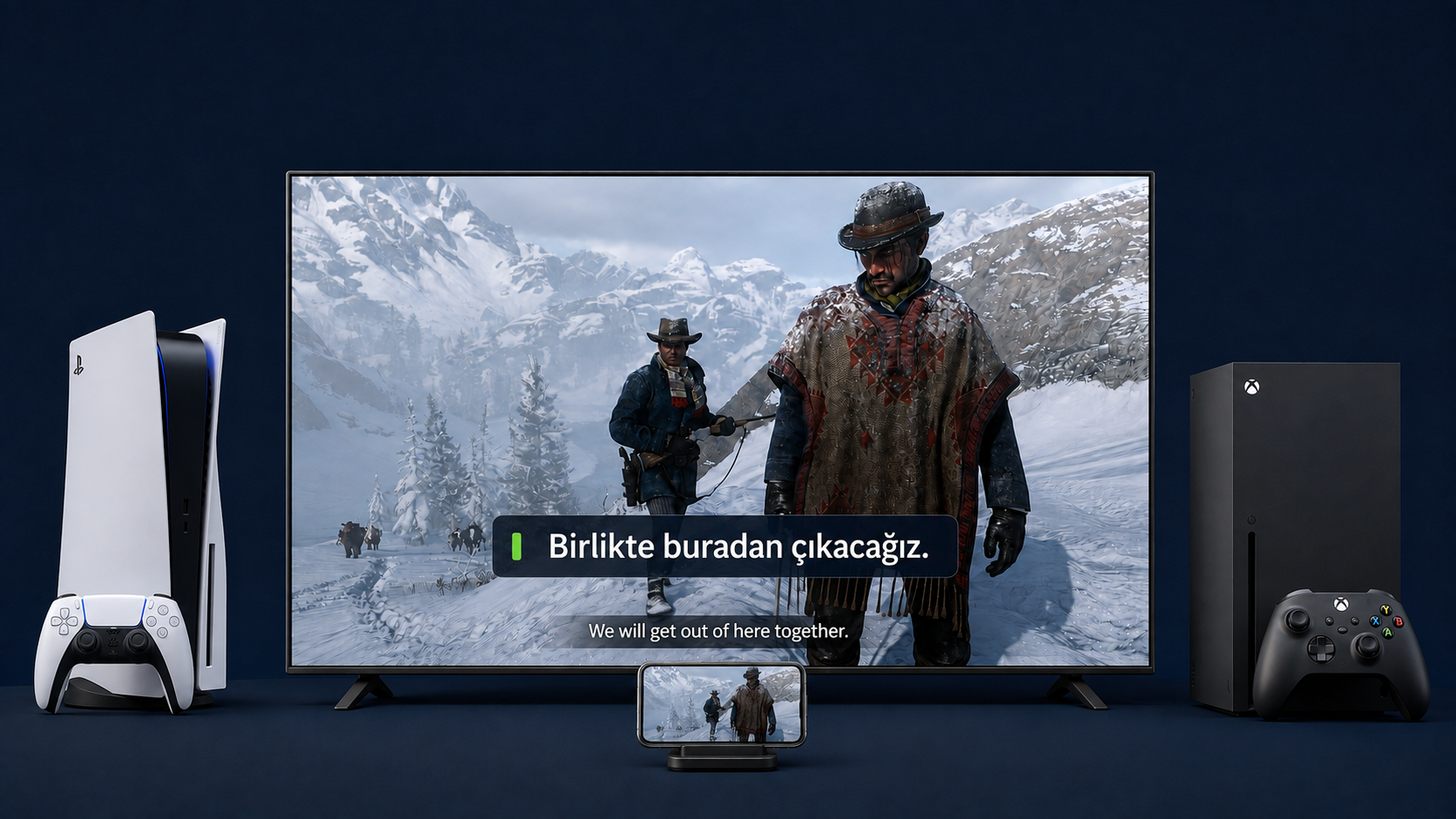
See the appsReal TV footage Red Dead Redemption 2 with Turkish subtitles on the TV. Translation on the TV needs TV Plus and a compatible Android TV.
Cinematic scenes in the film are AI-generated.
PlayStation and PS5 are trademarks of Sony Interactive Entertainment Inc. Xbox is a trademark of Microsoft Corporation. TranslaCat is not affiliated with Sony or Microsoft.
Your console runs the game. TranslaCat brings translated subtitles to your compatible TV.
See the setupAI-generated advertisement · Turkish narration
YouTube loads only when you press play.
Live subtitle translation with TranslaCat.
YouTube · @translacatapp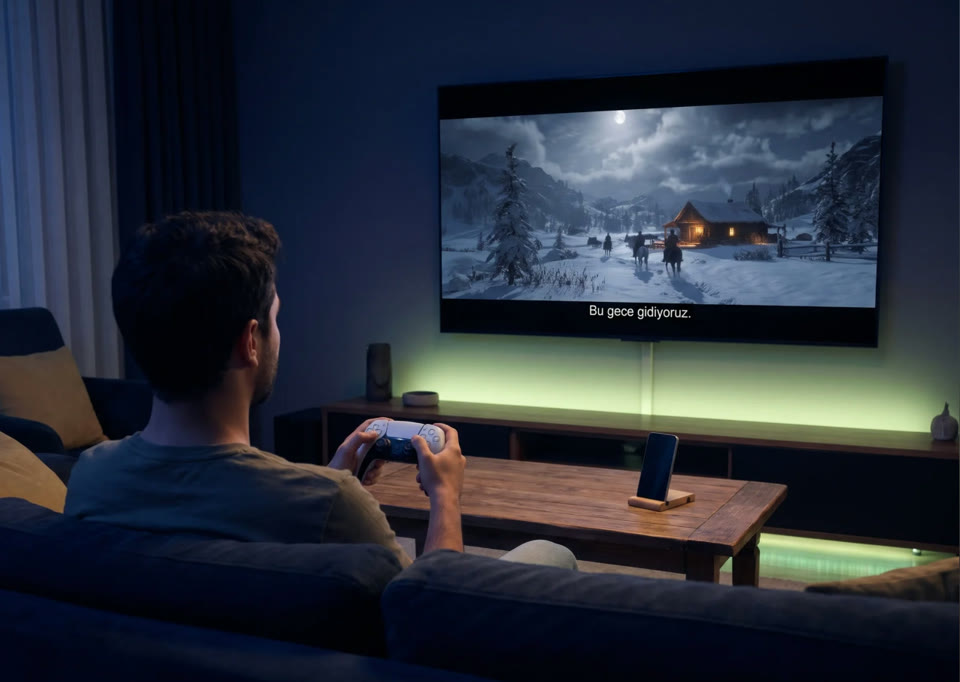
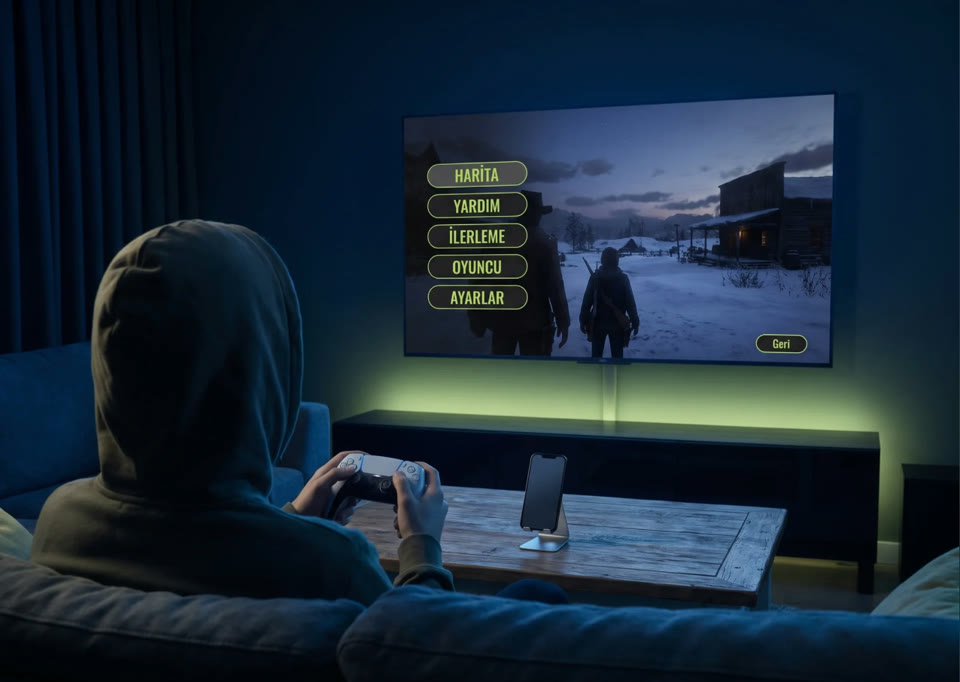
Settings → Quick settings → Translate the whole screen
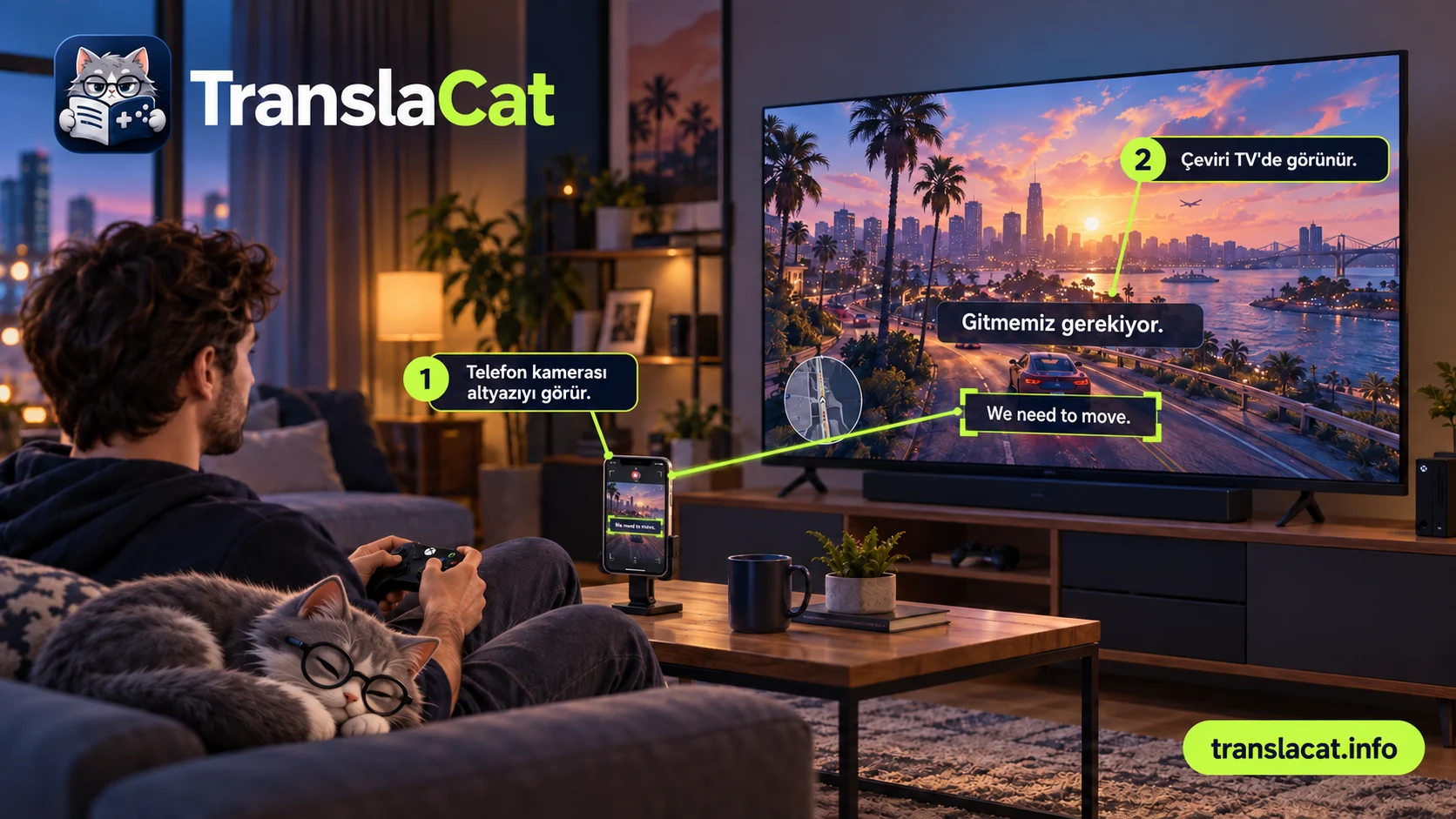
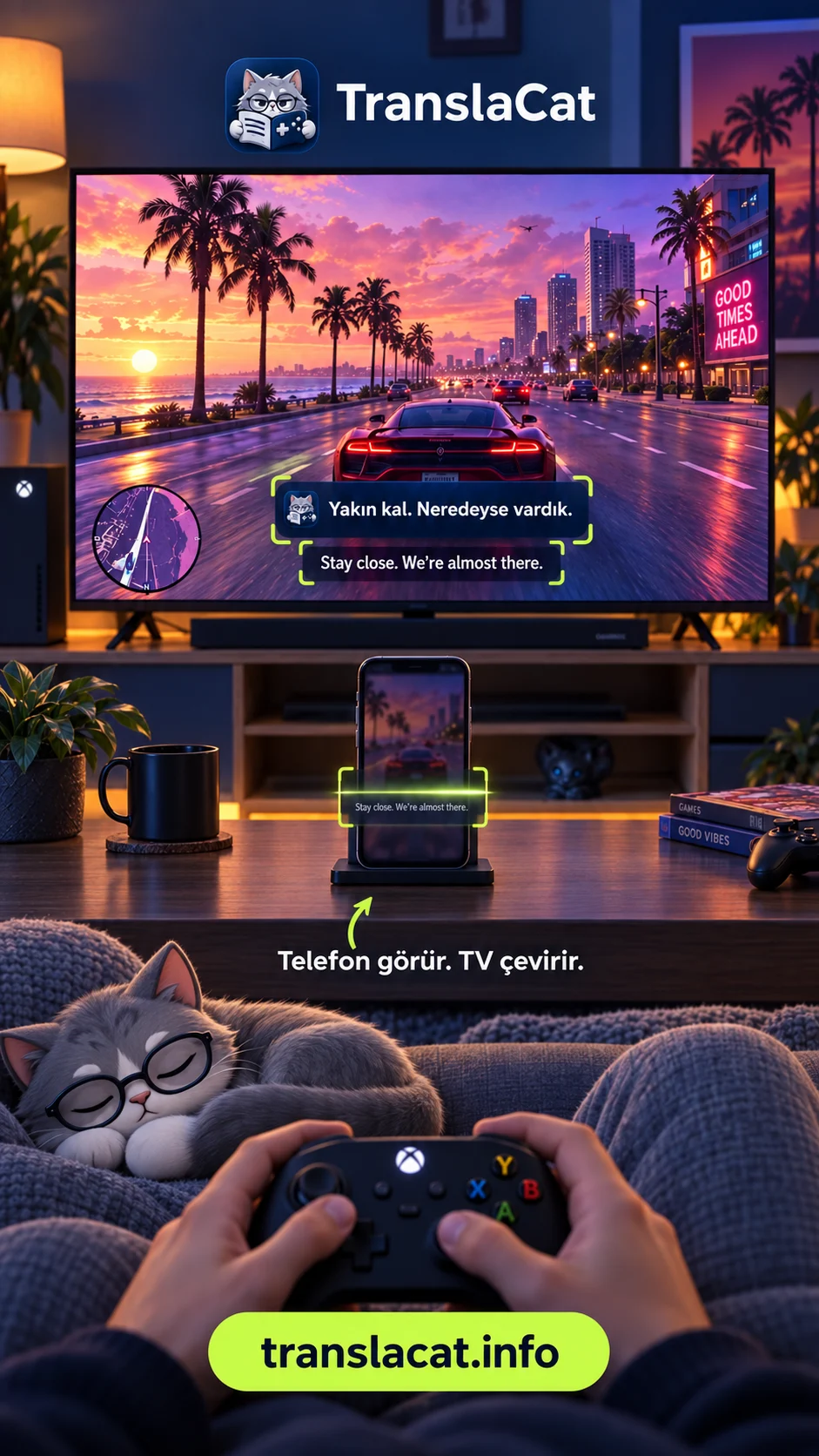
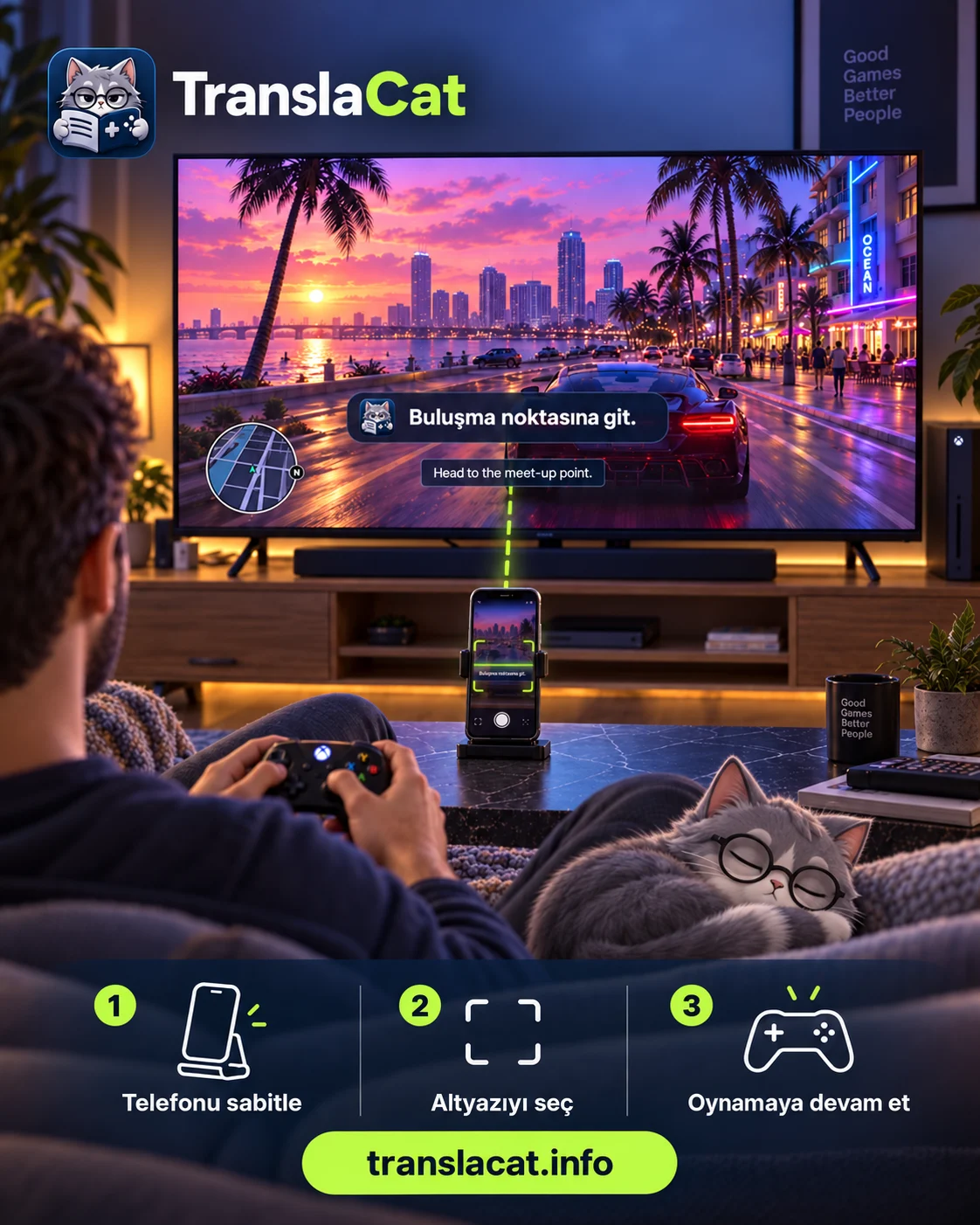
Keep your phone facing the TV and frame only the subtitle area. Read translations free on your phone or see them over the game on a compatible Android TV.
 Get it for Android on Google Play
The iPhone app is live on the App Store and the Android app on Google Play.
App StoreNo email? Check Spam / Junk and mark our message as “Not spam”.
Download the Android app from Google Play.
The iPhone app is live on the App Store and the Android app on Google Play. Follow changes in the release notes. View release notes
Use the App Store for iPhone and Google Play for Android.
Keep your eyes on your console game. Control subtitle size, colour and placement from your phone.
Test HDMI compatibility first, freeNo TV installation, account or subscription. Read translated text on your phone.
Optional. Sign in with Apple and buy a one-time token pack. No subscription; tokens never expire.
With AI on and your consent, the selected subtitle text, languages and game context go to TranslaCat; text and languages go to DeepL. Camera images are not sent.
Size, colour and position from your phone.
Download models. Translate offline.
Film and series subtitles, and other text your camera can read. Does not create subtitles from speech.
Translate subtitles and menus together. Coming soon.
59 target languages on Android. Available iPhone languages are shown on your device.
This website is available in 60 languages. Arabic is an Android translation target; iPhone shows the languages available on your device.
Not a TV Plus subscription or beta reservation. No app features are unlocked. Review the amount, currency and any recurring-support option at checkout.
TV PLUS · 20-SECOND SETUP
Phone mode is free. No TV app, QR pairing or subscription required.
Open the TV app. Pair your phone and TV on the same network.
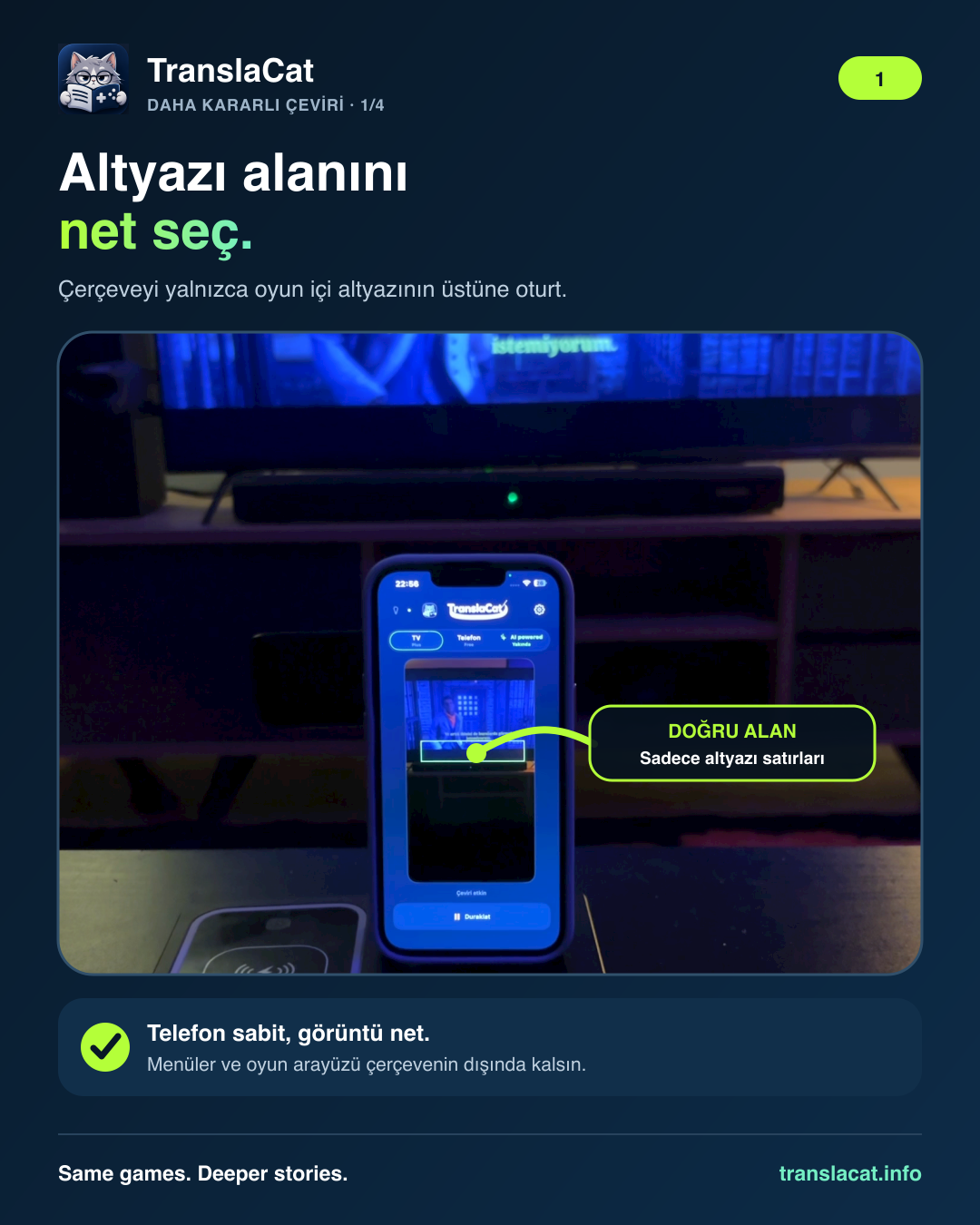
Keep the phone steady and select only the original game subtitles.
Confirm the HDMI test, choose your language and start translating.
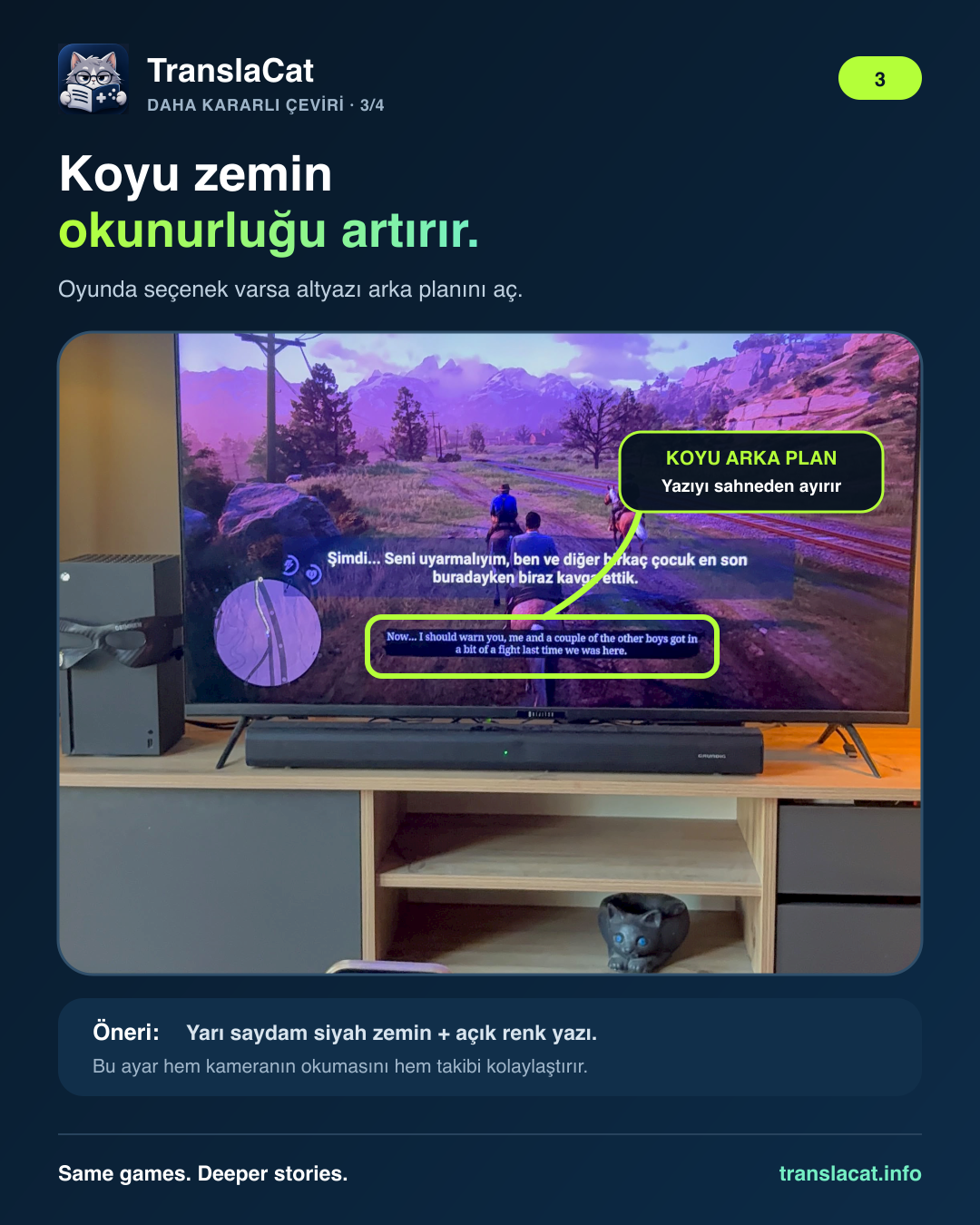
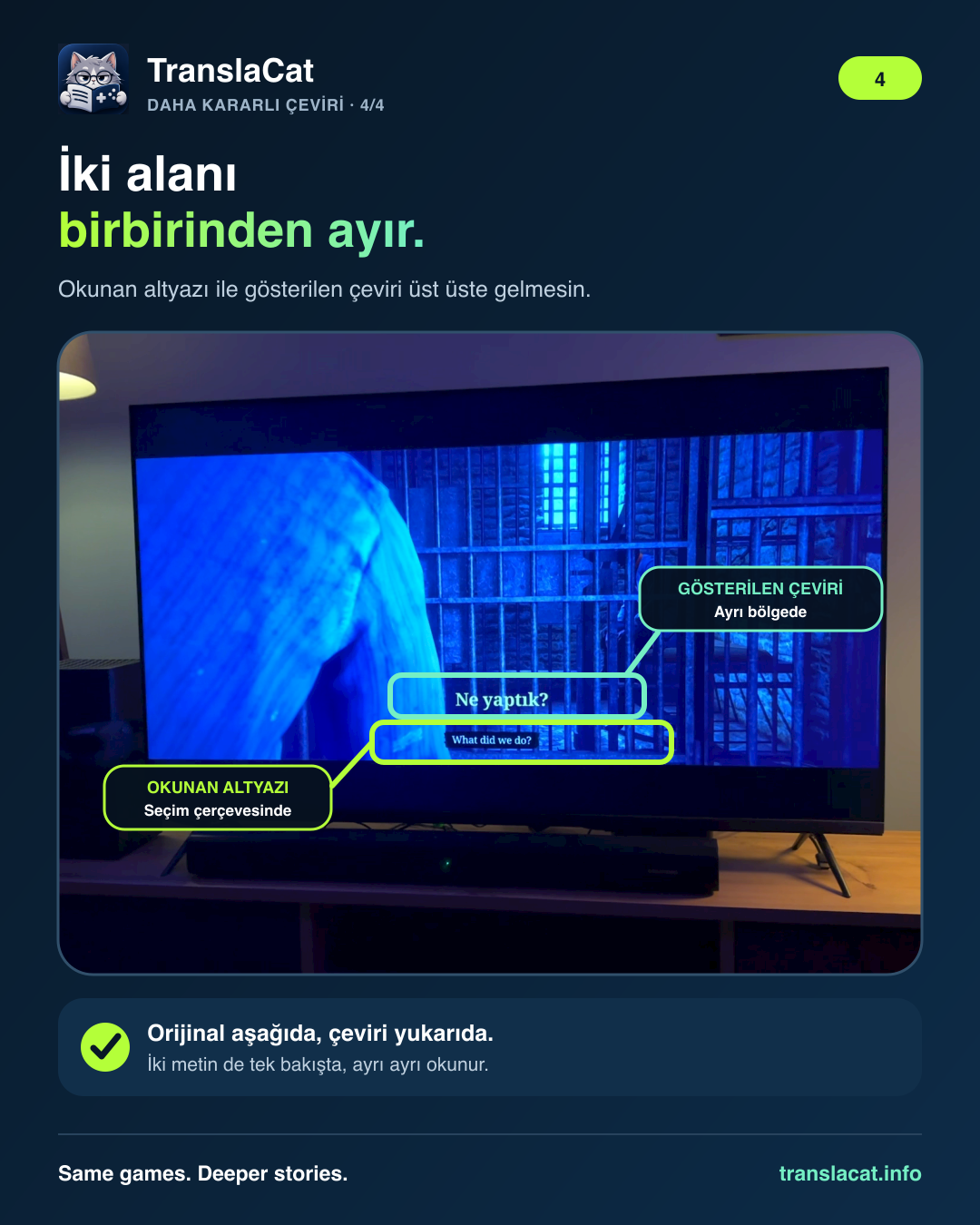
Make sure the phone camera clearly sees only the original in-game subtitle. Keep the translated TV caption outside the selection frame.
Eligible accounts: 3-day weekly trial; 7-day monthly and annual trial
Cancel anytime. Phone mode is always free.
Complete the free HDMI test first. Eligible store accounts get a 3-day free trial on weekly and a 7-day free trial on monthly and annual. The trial starts with subscription confirmation and renews as a real charge unless cancelled.
Store pricingCurrent prices are shown in the App Store / Google Play.
Cancel anytime through your store.
Download the appStore pricingCurrent prices are shown in the App Store / Google Play.
Cancel anytime through your store.
Download the appStore pricingCurrent prices are shown in the App Store / Google Play.
Cancel anytime through your store.
Download the appPurchases in the App Store version can incur real charges. TestFlight purchases are tests with no charge. On Android, only Google Play “Test card” transactions are free. Check the final store confirmation.
Prices are shown in your local currency in the store before purchase.
The operating system matters more than the brand. Check Settings > About on your TV.
The iPhone app is live on the App Store and the Android app on Google Play.
iOS v1.0.11 (74) · Live on the App StoreInstall on your TV only. This is not the phone app.
v0.6.9 (21) · Test buildDownloading on your phone? Transfer the file to your TV; do not install it on your phone.
Transfer the APK to your TV on a USB drive and open it in a file manager. Allow installation and display over other apps. Scan the QR with your phone and complete the free HDMI test.
Requires a compatible built-in Android TV / Google TV. External boxes cannot overlay another HDMI input. This is a development-signed test package, not a store release.
SHA256 b9a619f06f6a504d41ee8b30651cd0cd40eb4a83392c01c37bb2d84d6dc3ae80
Some Android TV firmware does not expose the display-over-other-apps permission. Try the standard build above first. If the permission screen does not open or the test caption stays hidden, install the separate TV Compatibility build.
The Compatibility build uses Android Accessibility only to display the caption layer. It does not read screen content or store camera images or caption history. This direct test package is separate from the Play Store build.
Download TV Compatibility APKSHA256 33813d2d43ac1b405f00fc37f8e35c53c4a995d21885d158de62f3d8f2372bcb
The TranslaCat Android phone app is public on Google Play. Search for TranslaCat in Play Store or open the link.
Phone mode is free. Purchases and subscriptions are processed through your Google Play account; check the final amount on the confirmation sheet.
Trouble installing? Send support your phone model and the exact error message. support@translacat.info
TranslaCat on Android can now send translated captions to a Samsung TV on the same Wi-Fi network. The TV app is not in the store; you install it from your own computer in Developer Mode.
Experimental, no warranty. Works with Android phones only for now; iPhone has no Samsung mode yet.
Samsung Tizen uses WGT rather than APK. Installing needs Developer Mode, a computer and a Samsung certificate made for your own TV.
In the meantime, you can read translations in free Phone mode.
Help test with your Samsung TVWe are working on LG TV support. Translations over a game have not yet been verified on a physical LG TV.
Status and available optionsOpen your platform to see changes, test availability and known limitations.
iOS 18 or later
Version 1.0.11 (74) is live on the App Store. Some accounts cannot connect AI access right now; on-device translation keeps working and the fix ships in 1.0.12.
The previous App Store release; translation and TV pairing unchanged.
A fix for the AI account connection on App Store installs. Being prepared for App Store review; approval and a separate release step are required.
Android 8 or later
Purchases and subscriptions are processed through your Google Play account. Check the final amount on the Google Play confirmation sheet.
First public release on Google Play.
Android TV / Google TV built into the television
This is a test APK. Install it only on a compatible TV and use the free HDMI compatibility test.
Include your version and device model in feedback.
Install the app on Android TV / Google TV and pair your phone. The free HDMI test checks whether your model supports captions over your game. External Android boxes cannot overlay another HDMI input.
Subtitled games on Xbox, PlayStation and other consoles. The camera needs to read the original text. PCs and other screen sources work too.
Yes. Select Phone, frame the text and translate. No TV app, QR pairing, account or subscription needed.
For the first language download and subscription checks. Translation runs on your phone and reaches the TV over your local network.
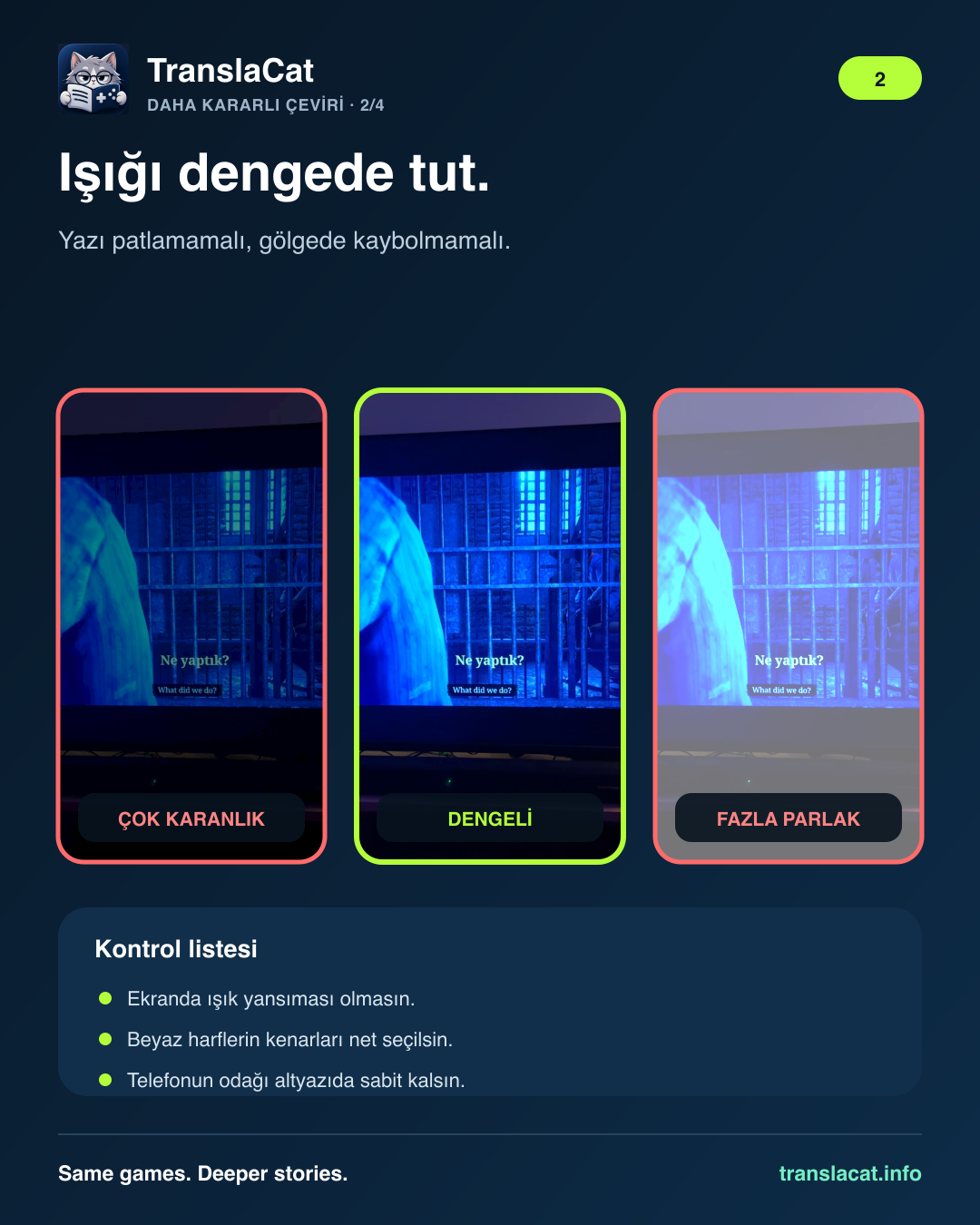
Keep your phone steady, reduce reflections and frame only the original subtitles. Focus and phone performance affect translation speed and accuracy.
Complete the free HDMI test first. Eligible store accounts get a 3-day free trial on weekly and a 7-day free trial on monthly and annual. The trial starts with subscription confirmation and renews as a real charge unless cancelled.
On-device translation runs on your phone, not in the cloud. Download your language models ahead of time and keep playing. Optional AI translation uses the internet.
Initial model downloads and periodic subscription checks need internet. For TV mode, the phone and TV must stay on the same local network.
Camera images and caption history are not recorded. Android uses Google ML Kit; iPhone uses Apple Translation. RevenueCat and the stores process purchase information, not camera images or game subtitles.
TV delivery uses local HTTP. Use only a trusted home network.
Privacy policy Instagram@translacatapp
 X (Twitter)@TranslaCatApp
 TikTok@translacat
 YouTube@translacatapp
 DiscordComing soon
 WhatsAppComing soon